
What’s New — as of August 28, 2025

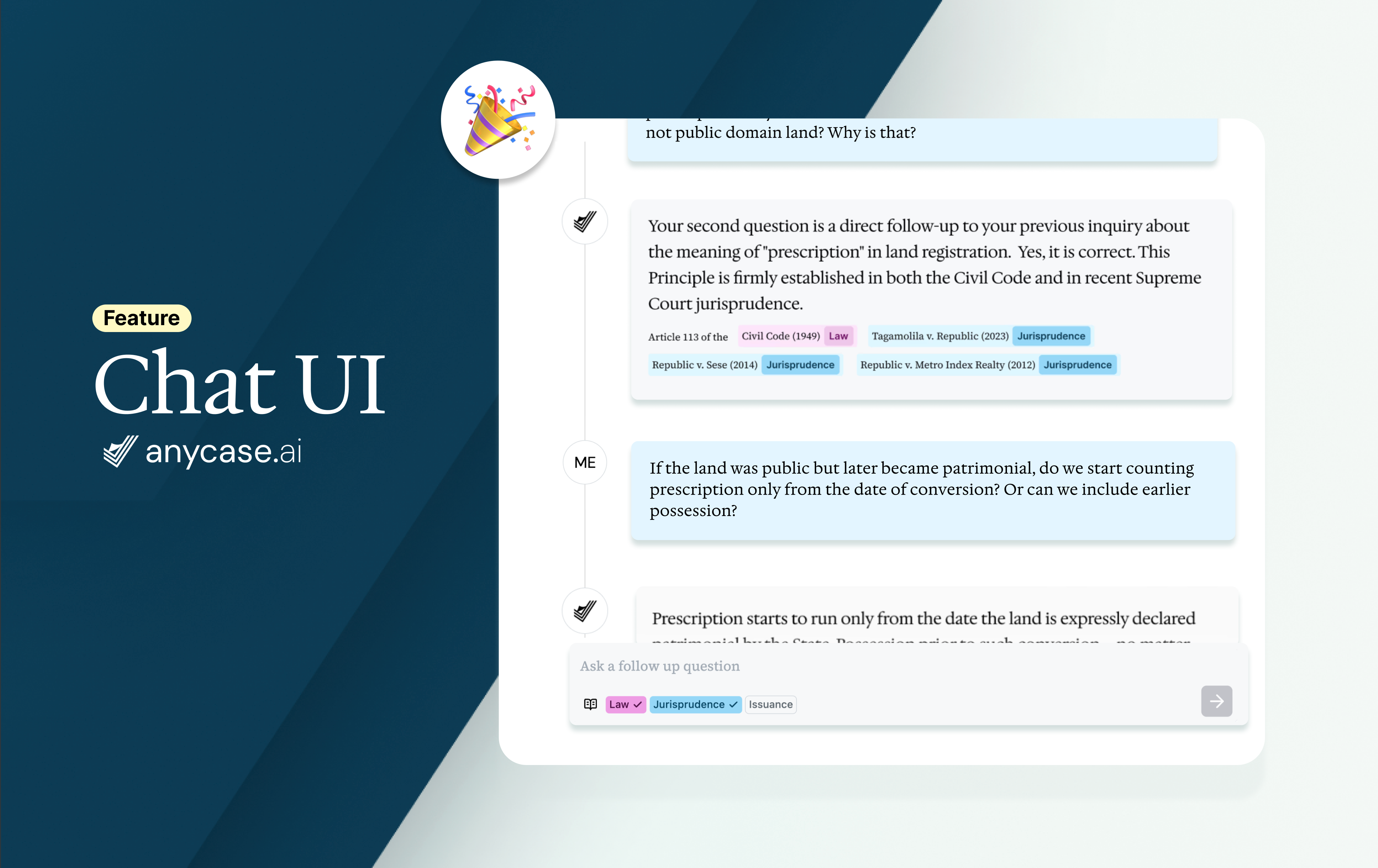
We’ve rolled out a few key improvements over the past couple of months, most importantly, the new Chat feature. You can now ask follow-up questions in the same thread for a more conversational and context-aware experience. Alongside Chat, we’ve also improved PDF handling, reading and citation workflows, and search to make your experience smoother, faster, and more reliable.
✨ Major Updates
**Chat conversations (Pro & Edu users)
**Our biggest update this month: you can now continue your research in a natural conversation flow. With Chat, follow-up questions stay in the same thread, so you don’t need to retype details — making your work more efficient and context-aware.
**Citation on highlight
**Generate citations instantly. Just highlight the source text and click “Copy Citation” for a ready-to-use citation in your documents. Works seamlessly in Reader view.
**Reader view UX improvements
**Reader mode now opens source documents instantly in one click, with smoother scrolling and clearer layout for long documents.
**Redesigned search results list
**The search results view has been refreshed for faster scanning and easier navigation.
**PDF display fixed for Chrome users
**PDFs now render reliably across all browsers, including Chrome — no more blank pages or missing documents.
🔧 Improvements & Bug Fixes
Improved AI answers — responses are now more focused, clear, and tailored to your legal query.
Chatbox cursor jump fix — that annoying bug where the chat cursor jumped to the end while typing is now resolved.
PDF generation fix for specific documents — some users experienced errors when exporting certain documents to PDF; this has been fixed.
Fixed document sorting issue — switching between "Date" and "Relevance" views now works as expected when sorting search results.
Mobile improvements — cleaner chat view, sticky nav bar, auto-hide keyboard, and fixed navigation bugs.
That’s it for now! More exciting features are in the works, so stay tuned.
Got a feature request? Head over to our roadmap and drop a comment — we’d love to hear from you.
As always, thank you for helping make Anycase better every day. Found a bug or have a request? Email us at support@anycase.ai or message us in-app.